


Bring a purpose-built
POS experience to Acumatica


The register is one step. Your business has to deal with the rest.
The way a POS works with Acumatica shapes what happens to the sale after the customer leaves the counter.
Similar at the register.
Different across the operation.
The checkout experience may look familiar, but the way each model is organized behind it affects how the point of sale relates to Acumatica.
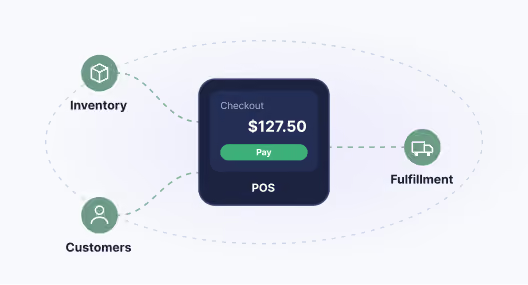
A POS extension built around the counter
The point of sale is centered on the register experience, with connections to wider business processes built around it.
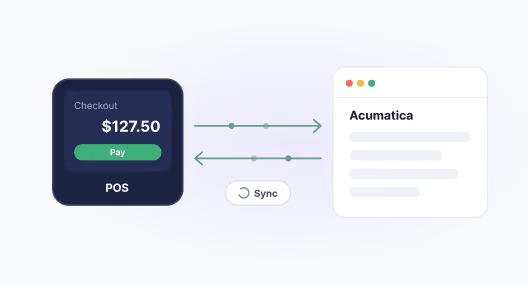
A separate POS synchronized with Acumatica
The POS operates as its own application and exchanges information with Acumatica to support the wider operation.
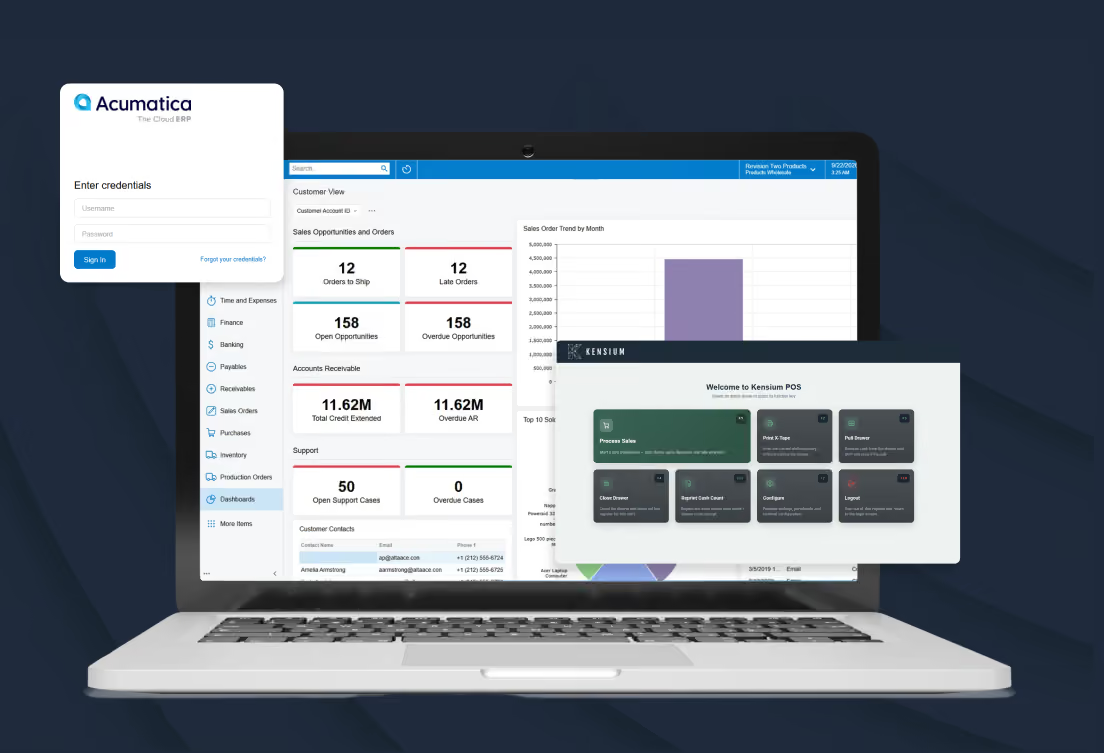
Built from Acumatica outward
Kensium POS 7.0 is designed with Acumatica as the starting point, then extended into physical selling. The point of sale is part of the same business environment, giving the register a direct role in the processes that support inventory, customer management and fulfillment, rather than requiring the register to operate as a separate system.
The customer pays. The work continues.
Follow one transaction from the register into the fulfillment process it creates in Acumatica.

Customer order


Sale completed at
register

Synced to Acumatica
(SO Invoice or Sales Order)

Fulfillment (Acumatica
Shipments)

Order outcome
The customer places the order
The sale creates the next piece of work
The order moves into fulfillment
The transaction becomes part of the wider operation
Questions? We have answers.
What gets created in Acumatica when a Kensium POS 7.0 sale is completed?
.png)
Does Kensium POS 7.0 post every transaction to Acumatica individually?
How does Kensium POS 7.0 handle orders that need to be fulfilled after the sale?
How does Kensium POS 7.0 work with inventory across multiple locations?
Where do teams manage changes to inventory, pricing, and customer information?
What does close of day look like with Kensium POS 7.0 and Acumatica?
What happens in Kensium POS 7.0 if connectivity is lost?
See Kensium POS 7.0 in your environment
Your ERP, your stores, your selling model. See how Kensium POS 7.0 fits the way your business operates. Tell us about yourself and a Kensium specialist will get in touch to focus the demonstration on the workflows that matter most.